Integrating with Datadog
The RHL ASM Platform allows you to integrate Datadog so security risks and data leaks can be pushed through the Notification & Ticketing Rules workflow.
Actions
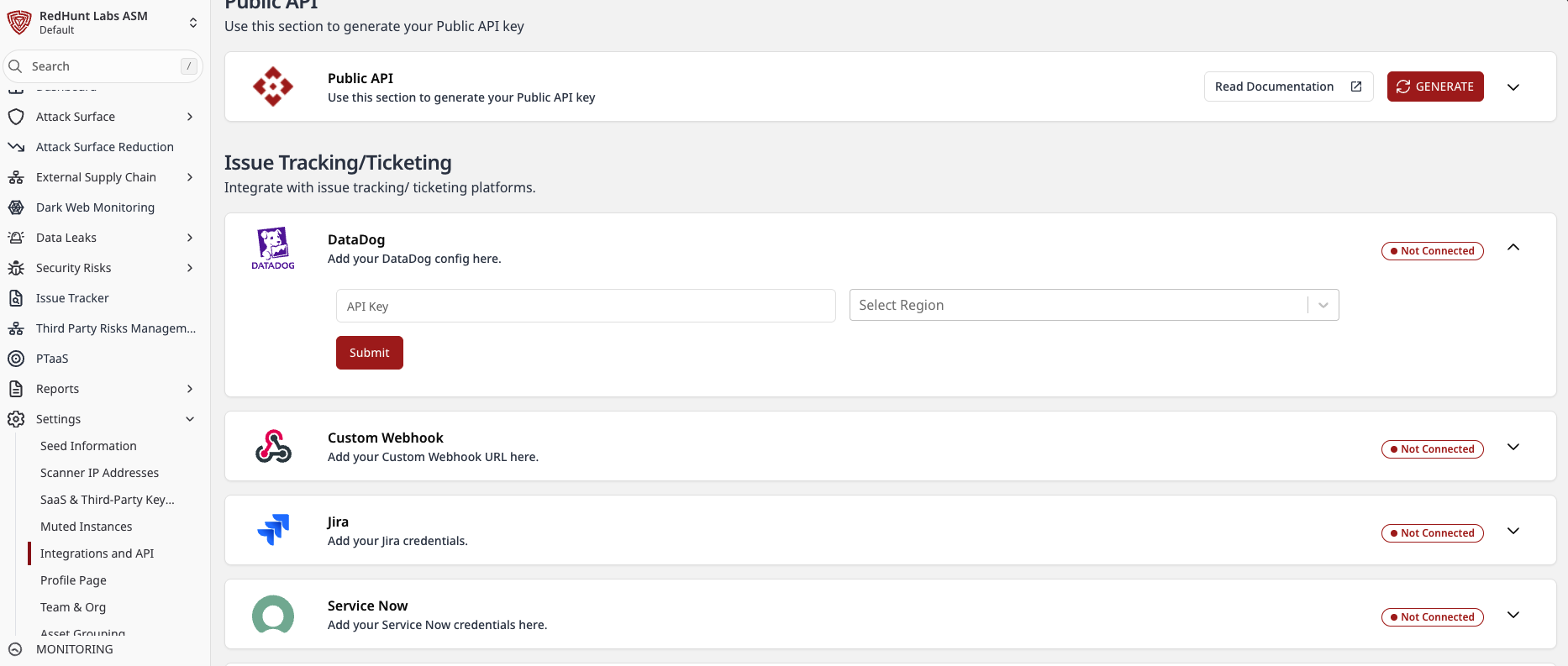
- Go to Settings > Integrations & API.
- In the Notifications section, locate the Datadog card.
- Enter your Datadog API Key.
- Need help generating one? See: Datadog API and Application Keys
- Select your Region from the dropdown (for example,
US1orUS3) based on your Datadog site. - Click Submit.
- On successful validation, the status changes from Not Connected to Connected.
Route Findings to Datadog
After integration, create or update rules in Settings > Notification & Ticketing Rules so matching Security Risk and Data Leak events are sent to Datadog.
- Go to Settings > Notification & Ticketing Rules.
- Click Create Rule (or edit an existing rule).
- Set Category Type to
Security RiskorData Leak. - Under delivery settings, choose Service as
Datadog. - Click Submit.
For rule configuration details, see:
How to Configure Notification & Ticketing Rules?